Looking for the best Fisch scripts to enhance your Roblox gameplay? This comprehensive guide provides access to the most effective Fisch scripts including auto farm, auto fish, auto shake, and no key options. We’ll walk you through how to use these scripts safely and effectively to progress faster in the game while minimizing risks to your account.
- What Are Fisch Scripts?
- How to Use Fisch Scripts
- Top Fisch Scripts Collection (2025)
- Step-by-Step Installation Guide
- Safety Precautions & Risk Minimization
- Frequently Asked Questions
- How to script in Fisch?
- How to get native script Fisch?
- Is scripting allowed in Fisch?
- How to use native script Fisch?
- Is Fisch macro v11 a script?
- Conclusion
Important Disclaimer: Using scripts in Roblox games violates the platform’s Terms of Service and may result in temporary or permanent account bans. This guide is provided for educational purposes only. Use these scripts at your own risk.
What Are Fisch Scripts?
A typical Fisch script GUI with automation features
Fisch scripts are Lua-based code snippets designed to automate and enhance gameplay in the popular Roblox fishing game “Fisch.” These scripts interact with the game using exploit executors, injecting custom commands and graphical user interfaces (GUIs) that allow players to access features not available in the standard game.
The primary purpose of these scripts is to automate repetitive tasks like fishing, selling catches, and traveling between locations. This automation can significantly speed up progression, allowing players to acquire rare items and currency much faster than through normal gameplay.
Key Features of Fisch Scripts
Automation Features
- Auto Cast – Automatically casts your fishing rod
- Auto Shake – Automatically performs the shake action when needed
- Auto Reel – Automatically reels in fish at the perfect time
- Auto Farm – Combines multiple automation features for hands-free fishing
- Auto Sell – Automatically sells your catches for maximum efficiency
Advanced Features
- Auto Buy Crab – Purchases crabs automatically
- Auto Teleport – Instantly moves between fishing locations
- Infinite Money – Generates in-game currency
- Duplication – Duplicates items and fish
- Anti-Ban Measures – Reduces detection risk
How to Use Fisch Scripts
To use Fisch scripts effectively, you’ll need to follow a specific process that involves downloading a Roblox executor, finding a reliable script, and executing it within the game. Here’s a step-by-step guide:
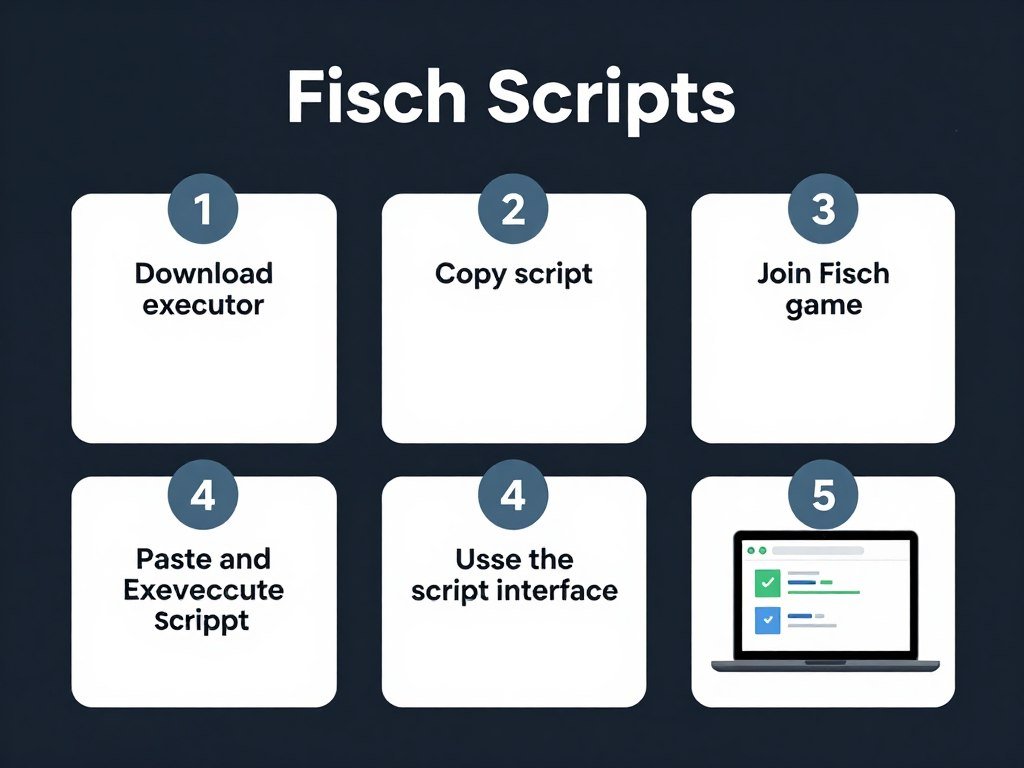
Visual guide to implementing Fisch scripts
Step 1: Get a Roblox Executor
A Roblox executor is a program that allows you to inject and run scripts within Roblox games. Some popular and relatively safe options include:
- For Mobile: Delta Executor, Fluxus, Cryptic, Arceus X
- For PC: Krnl, Xeno, Zorara
- For iOS: Delta iOS, Cryptic iOS, Apple Ware
Safety Note: Only download executors from their official websites to avoid malware. Many free executors may contain harmful software or attempt to steal your account information.
Step 2: Find a Script
You can find Fisch scripts in the collections provided in this guide. Choose a script based on your specific needs (auto farm, no key, mobile compatibility, etc.).
Step 3: Execute the Script
- Open Roblox and log into your account
- Join the Fisch game
- Open your executor application
- Copy the script code from this guide
- Paste the script into your executor
- Click the “Execute” or “Inject” button
- If required, complete any key system verification
- The script GUI should appear in-game
Top Fisch Scripts Collection (2025)
We’ve compiled the most effective and reliable Fisch scripts available. These scripts are categorized by type to help you find exactly what you need for your gameplay style.
Popular Fisch script interfaces with various features
Best Overall Fisch Scripts
1. Zenith Hub - Best Auto Farm & Fast Catch
Zenith Hub is widely considered the most comprehensive Fisch script, offering excellent auto farming capabilities, fast catch mechanics, and a user-friendly interface.
- Auto Farm with customizable settings
- Perfect timing for fishing actions
- Teleportation between fishing zones
- Auto sell functionality
- Webhook integration for notifications
2. Black Hub - Auto Shake, Cast, Fish & Sell
Black Hub offers a reliable set of automation features with excellent stability and a clean interface. It’s particularly effective for its auto shake and auto sell capabilities.
- Auto Shake with perfect timing
- Auto Cast for continuous fishing
- Auto Fish for complete automation
- Auto Sell for efficient profit
- Teleportation options
3. Mercury Hub - Auto Fishing, Perfect Cast & More
Mercury Hub provides excellent automation with a focus on perfect timing for casting and reeling. It’s particularly useful for players looking to maximize their fishing efficiency.
- Auto Fishing with optimized timing
- Perfect Cast functionality
- Auto Sell All for quick profits
- Auto Rod selection
- Customizable settings
Best No Key Fisch Scripts
These scripts don’t require key verification, making them easier and faster to use.
No Key script interface for immediate access
1. Speed Hub X - No Key Required
Speed Hub X is a popular no-key script that offers comprehensive automation features without requiring any verification process.
- Infinite Money capabilities
- Auto Mariana Fish farming
- Fish Duplication features
- Auto Cast, Shake, and Reel
- Auto Teleport functionality
- Auto Buy Crab feature
2. Fisch Script NEW - No Key
This script offers a straightforward, no-key solution for basic automation needs in Fisch.
- Auto Equip Rod functionality
- Auto Cast for continuous fishing
- Auto Shake for perfect timing
- Auto Farm for hands-free play
3. Space Hub - Keyless Auto Fish
Space Hub offers a comprehensive set of features without requiring any key verification, making it ideal for quick implementation.
- AUTO FARM capabilities
- UNLOCK ALL MAP feature
- AUTO SELL functionality
- FAST FISHING optimization
Best Mobile Fisch Scripts
These scripts are specifically optimized for mobile executors like Delta, Arceus X, and Fluxus.
Mobile-optimized script interface for touch controls
1. Native Script Fisch - Mobile Optimized
Native Script is specifically designed for mobile devices, offering a touch-friendly interface and optimized performance.
- INF COINS feature
- DUPES functionality
- GET ALL RODES capability
- ADMIN RODES access
- Mobile-friendly interface
2. Fisch Mobile Script - Auto Cast & Reel
This script is specifically optimized for mobile devices, focusing on the core automation features with a simplified interface.
- Auto Cast functionality
- Auto Reel for perfect timing
- Auto Shake capabilities
- Simplified mobile interface
3. Delta Script Fisch - Mobile Compatible
Specifically designed for the Delta executor on mobile devices, this script offers excellent compatibility and performance.
- Auto Fish functionality
- Freeze Player option
- Sell All Fish feature
- Optimized for Delta executor
Step-by-Step Installation Guide
Follow these detailed instructions to properly install and use Fisch scripts with a Roblox executor.
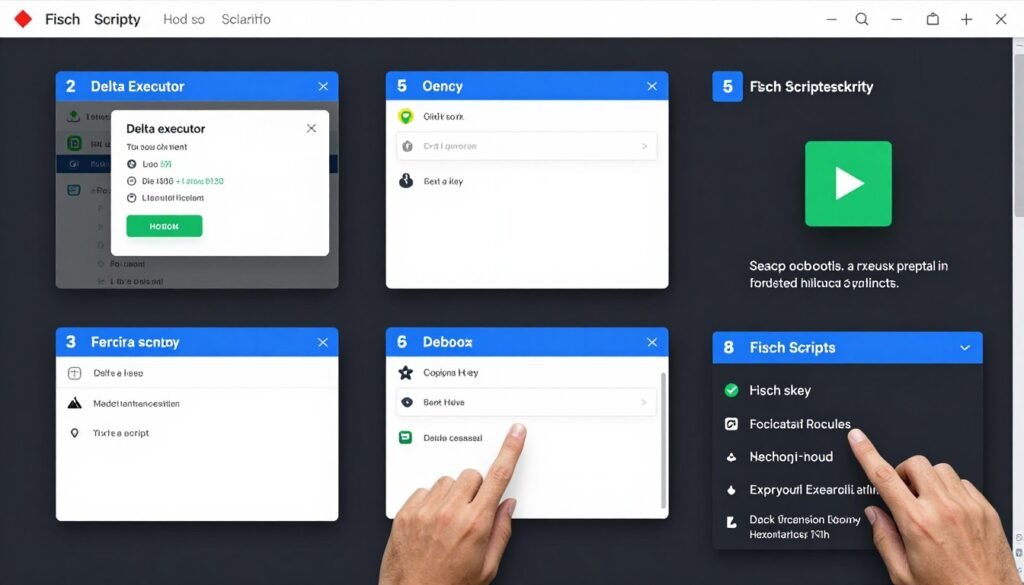
Installation process with Delta executor
For Mobile Users (Delta Executor)
- Visit the official Delta Executor website (deltaexploits.com)
- Download the APK file for your device
- Install the APK file (allow installation from unknown sources if prompted)
- Open the Roblox app and log in to your account
- Search for and join the Fisch game
- Open Delta and click “Receive Key” to get your executor key
- Complete the verification process to obtain your key
- Return to Roblox and join the Fisch game again
- In Delta, click the “Upload” button
- Copy a script from this guide and paste it into Delta
- Name your script and click “Add Script”
- Select your script and click “Execute”
- If prompted for a key, complete any verification required
- The script GUI should appear in-game
For PC Users
- Download a reliable executor like Krnl or Xeno from their official websites
- Install the executor following the provided instructions
- Open Roblox and join the Fisch game
- Launch your executor
- Copy a script from this guide
- Paste the script into your executor’s script area
- Click “Execute” or “Inject”
- Complete any key verification if required
- The script GUI should appear in-game
Tip: If you encounter any issues with script execution, try using a different script or executor. Some scripts may be incompatible with certain executors or may have been patched by game updates.
Safety Precautions & Risk Minimization
While using Fisch scripts can enhance your gameplay experience, it’s important to understand the risks involved and take steps to minimize them.
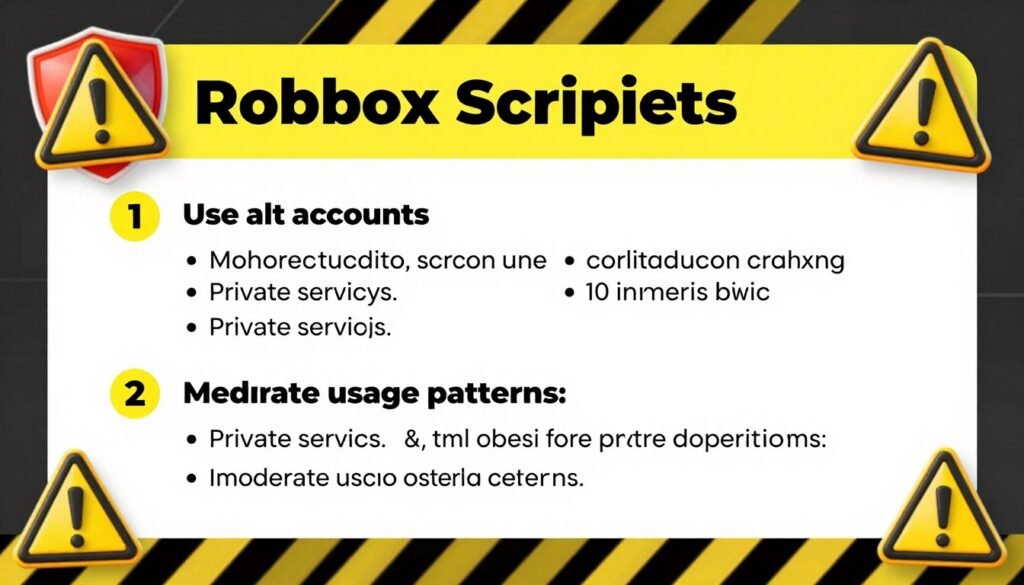
Safety measures to reduce detection risk
Risk Reduction Strategies
- Use an alternative account instead of your main account
- Play in private servers when using scripts
- Use scripts with anti-detection features
- Avoid using scripts in public servers with many players
- Don’t use multiple scripts simultaneously
- Use scripts moderately rather than continuously
- Keep your executor and scripts updated
Warning Signs & Risks
- Account warnings from Roblox
- Temporary bans (1-7 days)
- Permanent account termination
- Loss of purchased items and Robux
- IP bans in severe cases
- Malware from untrustworthy script sources
- Data theft from compromised executors
Important: Using scripts in Roblox games violates the Terms of Service. Roblox actively works to detect and ban users who use exploits. Always use alternative accounts and understand that any account used with scripts may eventually be banned.
Frequently Asked Questions
How to script in Fisch?
Creating your own scripts for Fisch requires knowledge of Lua programming and understanding of the game’s framework. Most players use pre-made scripts like those provided in this guide rather than creating their own. If you want to learn scripting, start by studying Lua basics and examining existing scripts to understand their structure.
How to get native script Fisch?
To get the Native script for Fisch, copy the script code provided in our “Best Mobile Fisch Scripts” section. You can then paste this code into your executor and run it. Some versions may require a key from the developer’s Discord server, while others are keyless.
Is scripting allowed in Fisch?
No, scripting is not officially allowed in Fisch or any Roblox game. Using scripts violates Roblox’s Terms of Service and can result in account bans. The information in this guide is provided for educational purposes only, and using scripts is done at your own risk.
How to use native script Fisch?
To use the Native script for Fisch, first download a compatible executor like Delta for mobile or Krnl for PC. Copy the Native script code from our guide, paste it into your executor, and click Execute. If prompted for a key, you may need to visit the developer’s Discord to obtain one, though some versions are keyless.
Is Fisch macro v11 a script?
Yes, Fisch macro v11 is a type of script that automates fishing actions through predefined keyboard and mouse inputs. Unlike full scripts that inject code into the game, macros typically work by simulating user inputs at precise timings. They’re generally less detectable but also less powerful than full scripts.
Conclusion
Fisch scripts offer powerful automation capabilities that can significantly enhance your gameplay experience, allowing you to progress faster and access features that would otherwise require extensive grinding. From auto farming to teleportation and item duplication, these scripts provide a wide range of functionalities to suit different playstyles.
However, it’s crucial to remember that using scripts comes with inherent risks, including potential account bans and security concerns. Always use these tools responsibly, preferably on alternative accounts, and ensure you’re downloading scripts and executors from trusted sources.
Whether you’re looking for no key scripts for quick implementation, mobile-optimized options for on-the-go play, or comprehensive automation suites for maximum efficiency, the collection provided in this guide offers solutions for every need. Stay updated with the latest scripts as game updates may affect compatibility, and always prioritize account safety when using any third-party tools.
Final Reminder: This guide is provided for educational purposes only. Using scripts in Roblox games violates the Terms of Service and may result in penalties. Use at your own risk and responsibility.